intro to web programming
class description
The lesson series introduces beginning coders to universal programming concepts, setup of a developer's work environment, the roles of servers and clients, how scripting, markup and programming languages work together to create interactive websites, how to collect, process, store, retrieve and use data, how to write well-crafted code, and how to use HTML and CSS in the most up-to-date ways to deign flexible user interfaces.
how the course is run
We teach programming using our very own method. Students are paired up in teams of two. The team develop their web applications to interact with one another's code. For instance, one student will design a web form that posts submitted form information to the second student's page. The second student's code will perform actions on the submitted information, pass the data back to the first student's application, and so forth. This is, in fact, how real-world web applications work, since few websites are served from a single host or domain.
Our method makes coding feel like a game, and the interactivity makes the experience more immediately engaging. Further, our method teaches programming as a collaborative activity.
Students will work with the latest HTML, CSS, PHP and MySQL implementations and various code editing tools. Broadly, we favor open source, and will generally encourage the use of non-proprietary solutions.
Despite that firm claim, students are asked to bring their own Apple® OS X® or Microsoft Windows® laptops. We are encouraging the use of MacBooks®, in the hope of achieving the lowest number of differing operating system platforms. However, Windows and Linux devices will also be supported. Unfortunately, we can not support mobile OSes or Chrome OS at this time, as we find it slows the class pace when having to support so many platforms.
the following concepts and activities will be taught:
- lesson 1. intro to programming languages
- what are programming languages?
- types and names of popular programming languages
- comparison of uses for different language types
- lesson 2. intro to programs and applications
- comparison of interpreted and compiled programming languages
- server versus client code interpretation
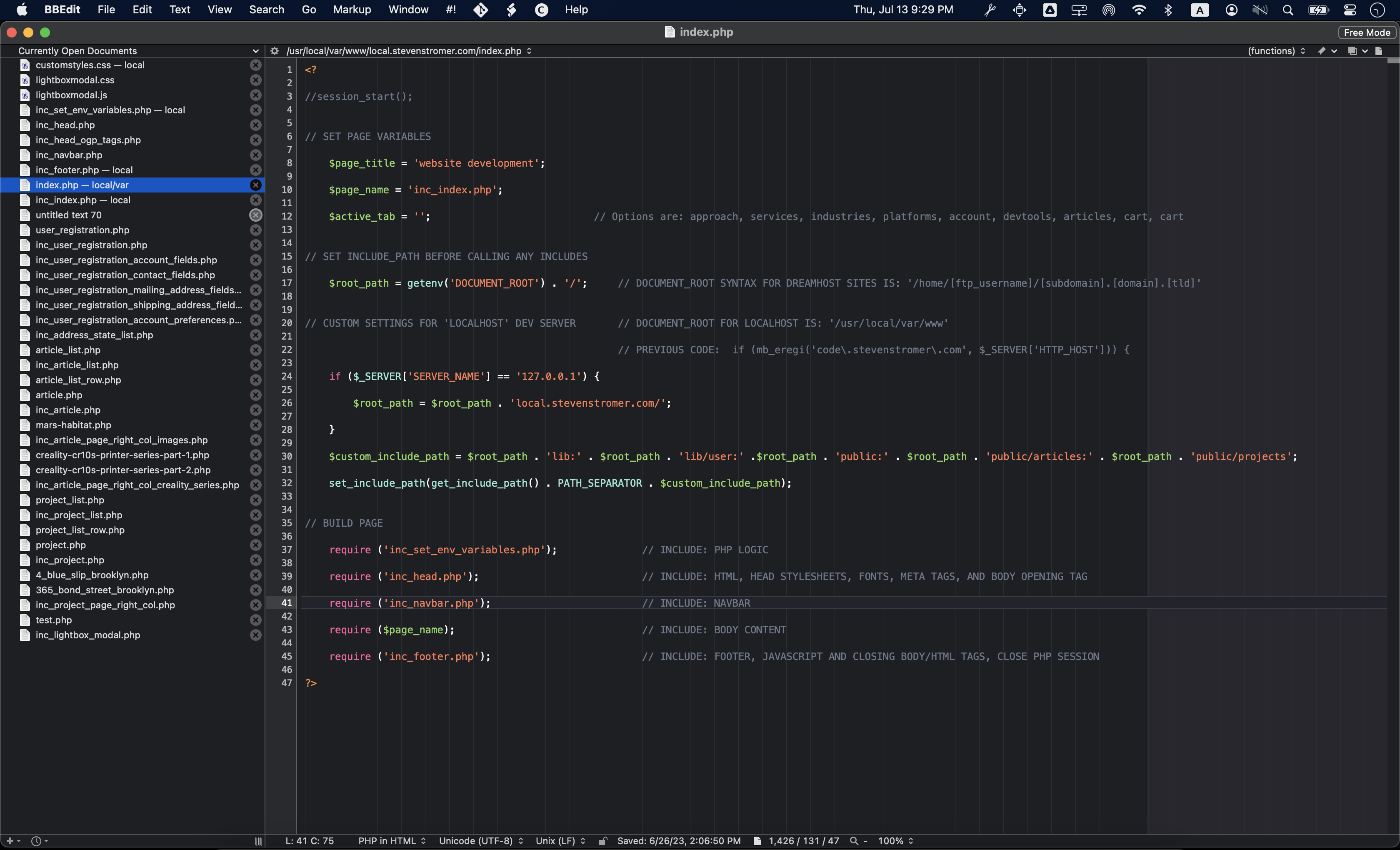
- setting up a development environment (VS Code, BB Edit, and others)
- what is a server?
- web server and client browser interaction
- lesson 3. intro to web-based programming and website development
- static versus dynamic websites
- the roles and relationship between HTML CSS and PHP
- differences between scripting, markup and programming languages
- separation of style, content and logic in website development
- lesson 4. intro to data types and variables
- comparison of common data types: strings, numbers and booleans
- what a variable is, what can it store and how to create one
- string handling: concatenation, etc.
- lesson 5. intro to conditional statements and comparison operators
- conditional statements (if, if...else, elseif and else...if)
- arithmetic and logical comparison operators in conditional statements
- lesson 6. intro to data handling
- comparison of data movement and storage options ($_GET, $_POST, $_SESSION, $_COOKIE, flat files, DBs, etc.)
- variable lifetime and scopes (functions, classes, globals, etc.)
- lesson 7. data handling with URLs and $_GET
- moving data between pages with get
- the parts and structure of a URL
- anchor tags, hypertext, linking, and link targets
- data validation
- lesson 8. intro to composing clean and organized code
- indentation and line spacing
- code documentation: commenting code
- string escapes
- folder organization in relation to URL paths
- lesson 9. data handling with forms and $_POST
- introduction to website forms
- form input types (text, textarea, checkbox, radio button, dropdown, etc.)
- homework: build a mad libs app using form dropdowns and $_POST[] variables
- lesson 10. organizing code into code libraries
- why do we want organized, minimalist code?
- organizing code into logical blocks
- using PHP include and require to organize and reuse code
- the (dis) order of how code executes
- lesson 11. basics of web server paths and directory structures
- directory organization under popular web servers, like Apache, nginx
- default directory, root directories, paths and file extensions
- IP addresses, domain names and virtualhosts
- lesson 12. using loops and functions to minimize code
- using loops (for, while and do)
- incrementing and decrementing counters in loops
- using functions to minimize code
- a very brief comparison of procedural and object-oriented programming styles
- lesson 13. introduction to built-in functions
- what do built-in PHP functions do?
- when do we use functions? What is abstraction?
- introduction to a few built-in functions, i.e., ABS(), ISEMPTY()