intro to electronics
class description
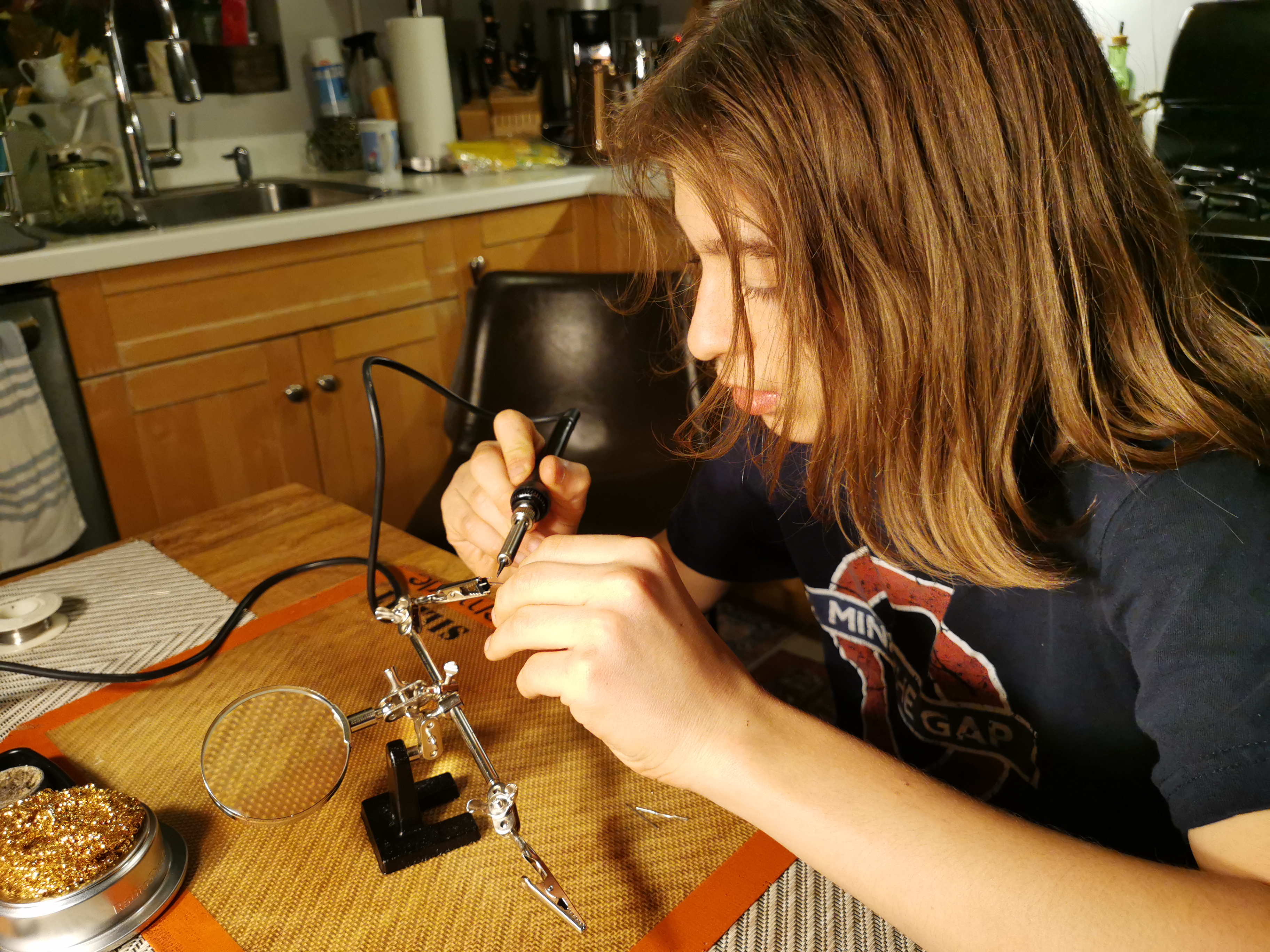
In this course, we will build a microcontroller-based pitch-shifting circuit. Together, we will learn to work with common electronics components, to manage circuit-building projects, to set up a workbench, to use testing devices, to prototype basic circuits, to flash microcontrollers, and we will learn about analog and digital audio.
course curriculum
- circuitry basics
- direct and alternating current
- choosing power sources
- grounding
- polarity
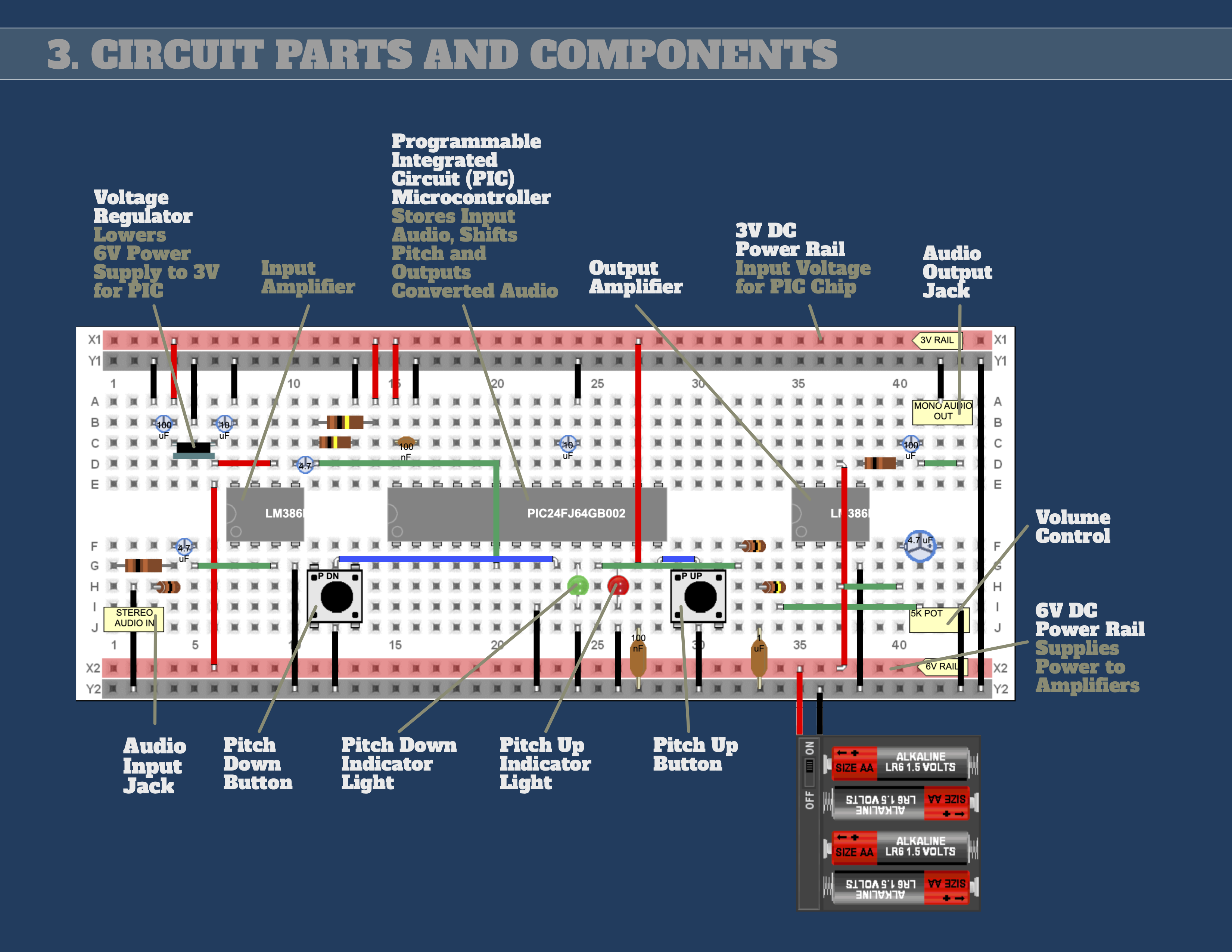
- component basics
- resistors
- potentiometers
- switches
- capacitors
- LEDs
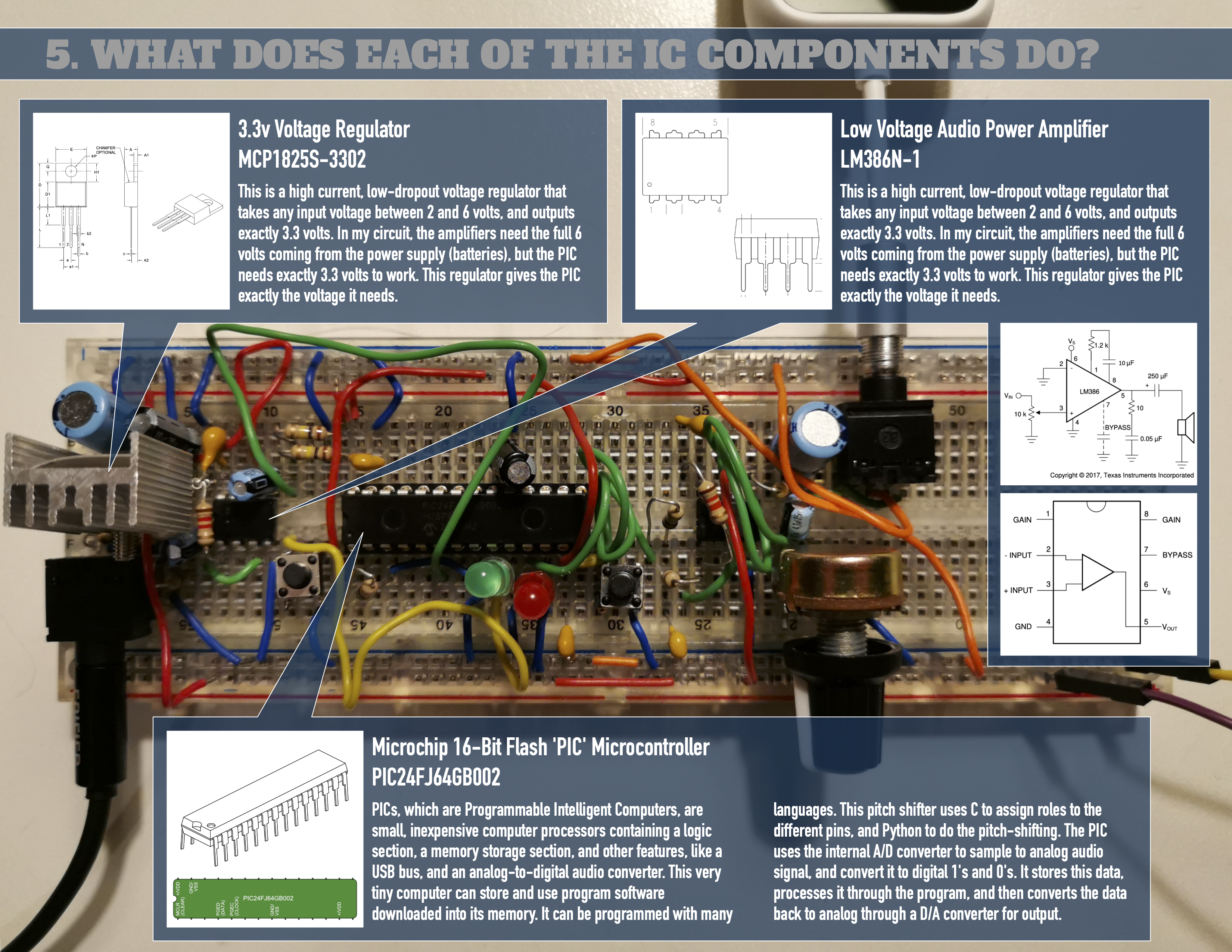
- voltage regulators
- power amplifiers
- integrated circuits
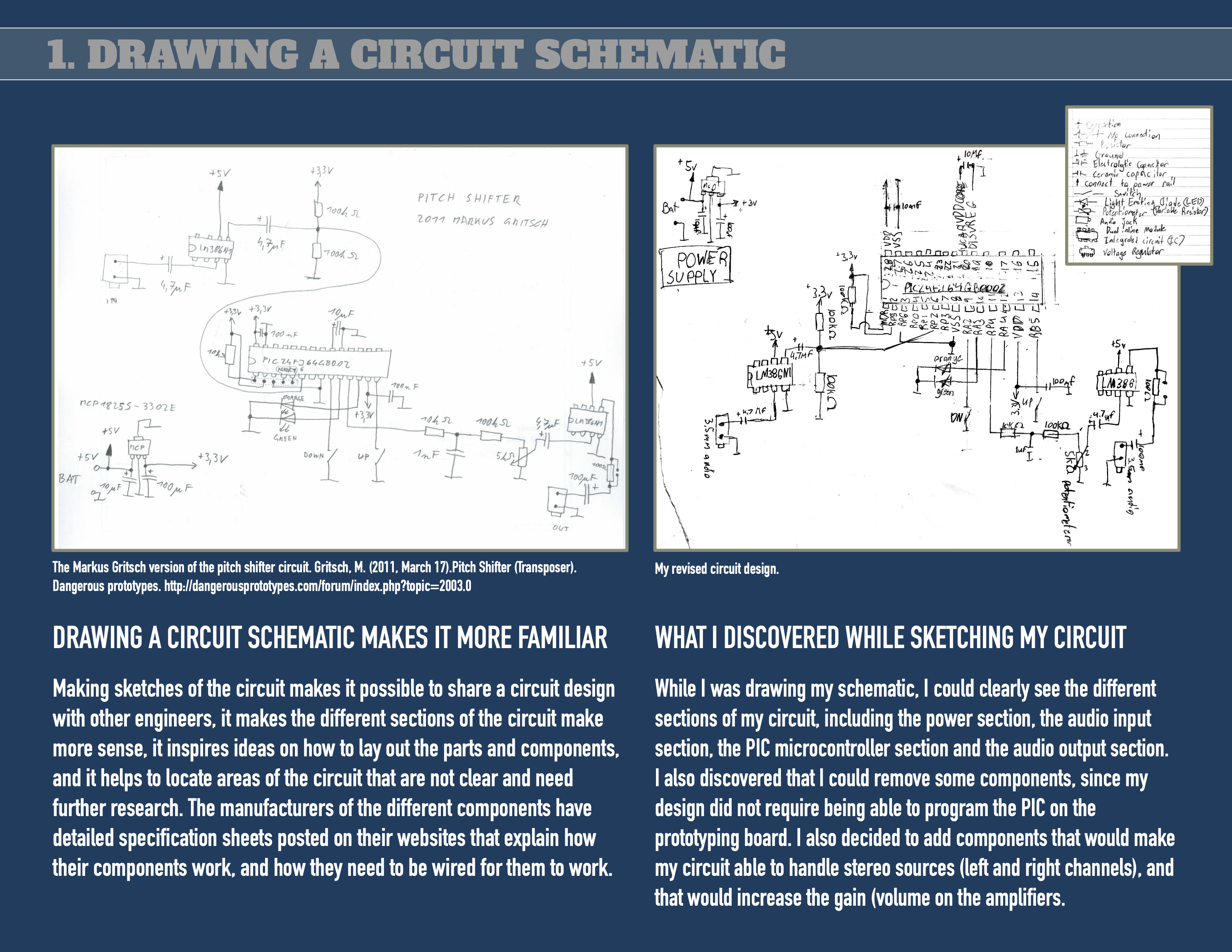
- reading circuit schematics
- understanding component symbols
- reading component markings and values
- understanding and noting polarity
- understanding pin-outs on ICs
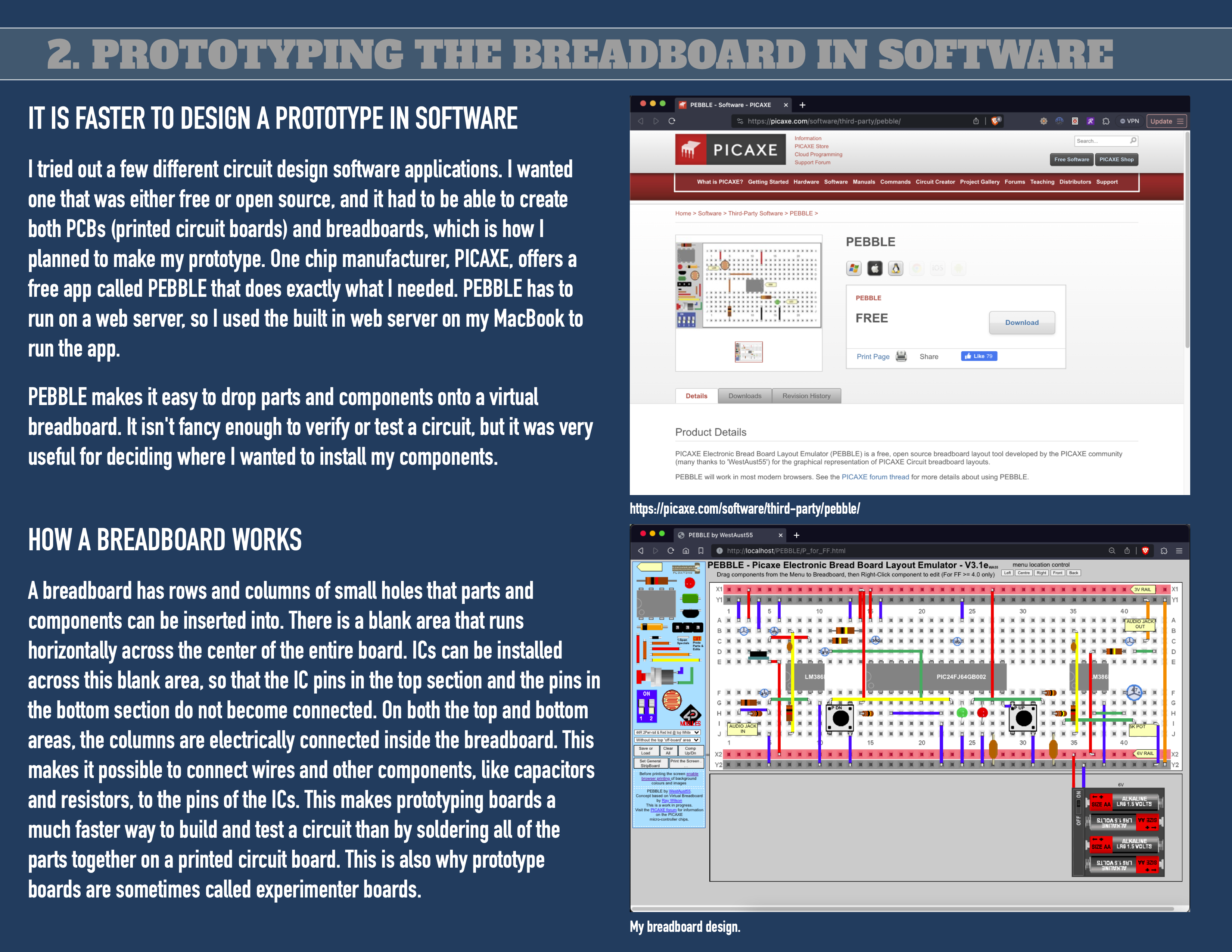
- designing breadboards in software
- parts selection and sourcing
- reading specification sheets
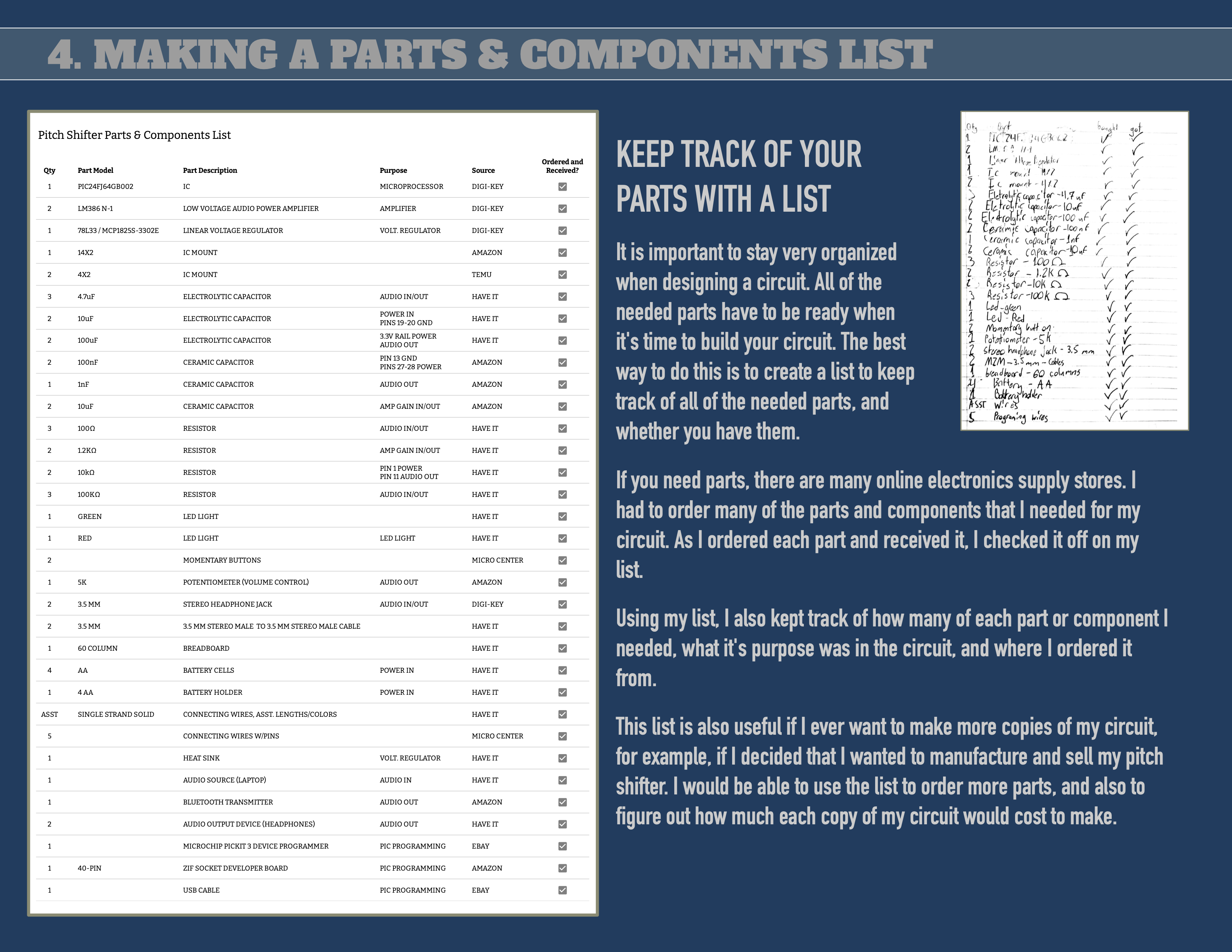
- maintaining parts lists
- testing and debugging
- using multimeters
- using component testers
- prototyping
- setting up a workbench
- breadboarding
- selecting component packages
- using heatsinks
- working with PIC microcontrollers
- connecting PICs to computers
- installing and using PIC programmer software
- flashing firmware
- sound and audio concepts
- a brief tour of the history of recorded sound (we will play records, 8-tracks, cassettes, CDs, and MP3s, to compare the technologies and experiences)
- compare analog and digital audio
- learn about amplitude and frequency
- learn about sampling rates and frequencies
- compare mono and stereo sound
how the course operates
Each student will each be provided all of the tools, testing equipment, parts and components needed to complete their projects, and to fully engage and understand concepts, without having to wait for shared resources. Only laptops and device programmers will be shared by multiple participants. Students are welcome to bring their own OSX® or Windows® laptops, if they wish to install the free PIC programmer software packages and use their own machines to flash their PIC microcontrollers.
Each student will be provided bins and parts trays that they will label and keep their supplies in from one session to the next, so that parts are not misplaced and so that classes can begin and end without time lost to getting ourselves organized.
Students will be able to turn to classmates and to their teachers for help in understanding and mastering new concepts and skills. Teachers will also be available to answer questions through email regarding classroom topics.
It is important that students commit to attending all of the classes in a session. Missing a class will put a participant behind the other students. For this reason, videos of all class activities will be posted to our website. It will be the responsibility of the student to pick up their materials, and to keep pace with the class, if unable to attend a session.
intro to electronics
class code
ele01-sum25-01
classes in session
10
start date
6/24/2025
start time
3:45 pm
ages
12 - 15 (at class start date)
remaining available seats
10 of 10 seats
fee
$111.00
prerequisites
students must be comfortable working within their preferred computer operating system, and must be familiar with basic computer operations such as installing applications, naming and moving files, and troubleshooting basic issues with their machines.
required supplies
students must bring their own laptops, running up-to-date operating systems (either Apple OSX or Microsoft Windows, to a few class sessions (we can not support Linux variants, nor ChromeOS in the classroom). students must have administrative rights to their laptops, so that they can install software as required by the class.